

How to Download and Use Google’s Search App on Windows 11
Failed to add items
Add to basket failed.
Add to wishlist failed.
Remove from wishlist failed.
Adding to library failed
Follow podcast failed
Unfollow podcast failed

How to Download and Use Google’s Search App on Windows 11
-
Narrated by:
-
By:
About this listen
This story was originally published on HackerNoon at: https://hackernoon.com/how-to-download-and-use-googles-search-app-on-windows-11.
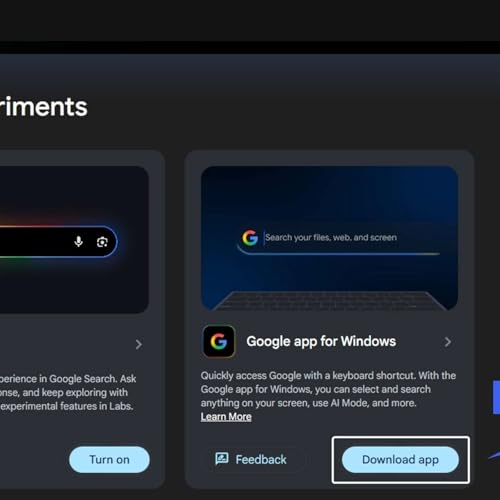
Google is testing a new Windows 11 desktop app that brings Search, AI answers, Lens, and Translate into a floating search experience.
Check more stories related to tech-stories at: https://hackernoon.com/c/tech-stories. You can also check exclusive content about #windows-11-updates, #google-app, #google-app-for-windows, #google-search-desktop-app, #google-search-labs, #google-lens-on-windows, #google-ai-search-features, #google-translate-desktop, and more.
This story was written by: @vigneshwaran. Learn more about this writer by checking @vigneshwaran's about page, and for more stories, please visit hackernoon.com.
Google is experimenting with a Windows 11 desktop app that offers a floating, spotlight-style search bar with AI-enhanced results, Google Lens, image search, and translation features.